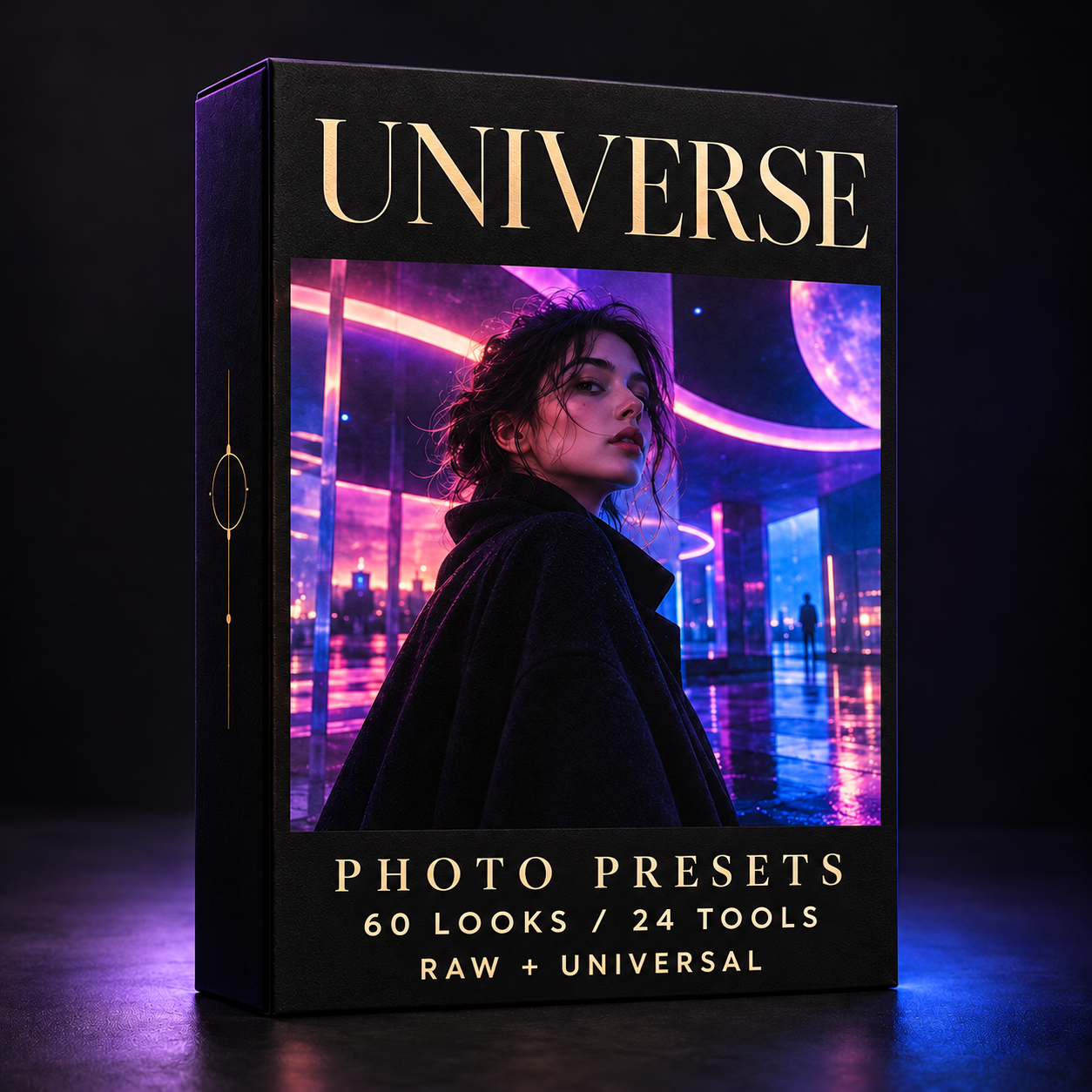
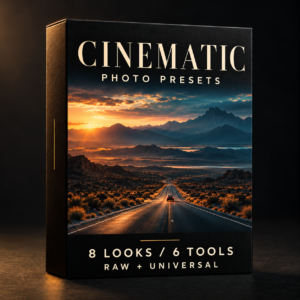
A universe of color. Sixty creative photo looks across ten families, with 72 look versions and 24 editing tools. Explore neon, cinema, nature and monochrome. RAW and Universal included.
60 distinct looks, 72 look versions and 24 editing tools: 96 XMP files in each workflow. Original versions and selected Boost variations let you explore subtle and stronger treatments.
Both RAW and Universal customer ZIPs are included. RAW applies an Adobe profile; Universal preserves the current profile and provides an alternative for RAW, JPEG and TIFF photos. Choose one workflow for your initial import.
For Lightroom, Lightroom Classic and Photoshop through Adobe Camera Raw. Installation guides in English, Bulgarian, German, Swedish and Spanish are included. Adjust exposure and white balance for each photograph.
This collection is also included in Photo Duo — Complete Collection. One-time purchase; Adobe software is required and is not included.
What's Included
60 base looks • 72 look versions • 24 editing tools.
96 XMP files per workflow. Two downloads: RAW and Universal, alternative workflows for the same looks.
Five-language installation and contents guides included. Shared tools are not additional unique looks. This product contains only the Creative Universe collection, also included in Photo Duo.
Installation instructions
Download the RAW and Universal ZIP files supplied with your purchase. Choose one route for initial import and read its included guide.
Lightroom Classic: Develop > Presets > + > Import Presets. Select the supplied ZIP or XMP files.
Lightroom desktop: File > Import Profiles & Presets.
Photoshop / Adobe Camera Raw: Presets panel menu > Import Profiles and Presets. Select the supplied ZIP. Prefer Universal for Camera Raw Filter.
RAW applies an Adobe profile; Universal preserves the current profile. Adjust exposure and white balance for your photograph. Detailed installation and troubleshooting guides are included in five languages.
Update notes
1.0.0-rc1 — Creative Universe customer release. RAW and Universal ZIPs, organized XMP files and installation guides in EN, BG, DE, SV and ES.


Reviews
There are no reviews yet.